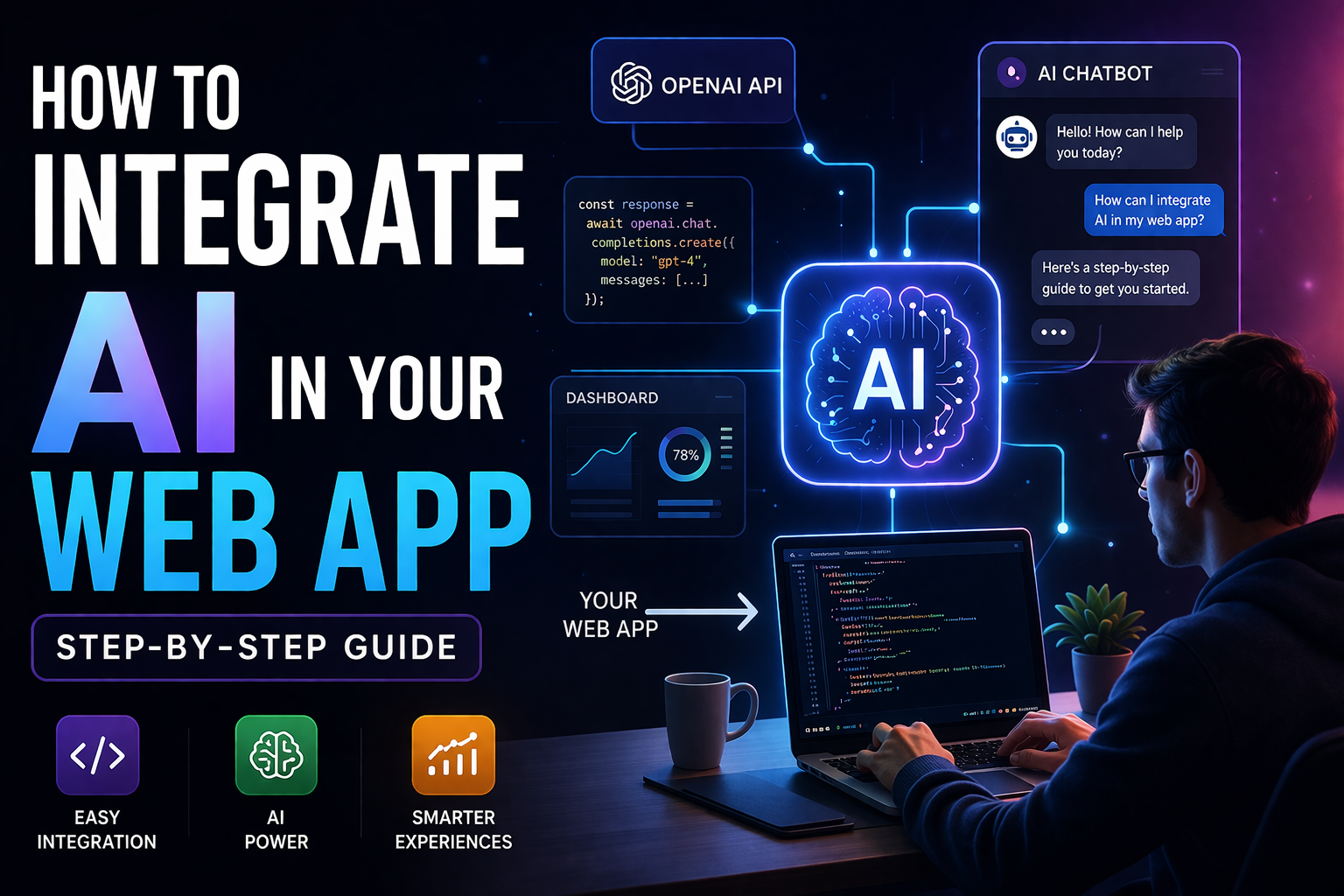
Let me be real with you for a second…
Everyone is talking about AI right now. Every startup claims they’re “AI-powered.” But when you actually sit down to integrate AI into your own web app, that’s when things get confusing.
I’ve been there.
At first, I thought:
“I’ll just plug in an API and boom… AI feature ready.”
Reality?
It took me multiple iterations, broken responses, bad outputs, and a lot of debugging to make something actually useful.
So in this guide, I’m not going to give you textbook theory. I’ll show you how to actually integrate AI into your web app step by step, based on real experience.
Why Integrate AI in Your Web App?
Before jumping into code, let’s answer one important question:
Do you even need AI?
Because adding AI just for hype is a bad idea.
AI makes sense when it:
- Saves user time
- Automates repetitive tasks
- Improves decision-making
- Adds personalization
Real Use Cases:
- Chatbots for support
- Smart search (understanding user intent)
- Recommendation systems
- Content generation
If your app solves a real problem, AI can amplify it. Otherwise, it just becomes a gimmick.
Step 1: Define the Exact AI Use Case
This is where most people fail.
“Add AI” is not a feature.
You need clarity.
Bad Example:
- “I will add a chatbot”
Good Example:
- “I will build a chatbot that suggests the best options based on user input (budget, location, preference)”
Ask Yourself:
- What problem is the user facing?
- How will AI solve it better than traditional logic?
If you can’t answer this clearly, don’t move forward yet.
Step 2: Choose the Right AI Tool
You don’t need to overcomplicate this.
Here are the most common options:
- Easy to use
- Great for chat, text, and reasoning
- Best for beginners
2. Google Cloud AI
- More enterprise-level tools
- Good for NLP, vision, etc.
3. Hugging Face
- Open-source models
- More control, but needs effort
My advice:
Start simple. Use OpenAI API first. You can always upgrade later.
Step 3: Understand Basic Architecture
One mistake I made early on:
I connected AI directly from the frontend.
Bad idea.
Correct Flow:
Frontend → Backend → AI API → Backend → Frontend
Why this matters:
- Keeps your API key secure
- Lets you control responses
- Enables logging and analytics
Example Stack:
- Frontend: React
- Backend: Node.js / Express
- AI: API (like OpenAI)
Step 4: Integrate the AI API (Simple Example)
Here’s a basic Node.js example:
JavaScript Code:
import OpenAI from “openai”;
const client = new OpenAI({
apiKey: process.env.OPENAI_API_KEY,
});
async function getAIResponse(userInput) {
const response = await client.chat.completions.create({
model: “gpt-4.1-mini”,
messages: [{ role: “user”, content: userInput }],
});
return response.choices[0].message.content;
}
At this point, you’ll get a response.
But don’t get excited yet — this is just the beginning.
Step 5: Prompt Engineering (This Changes Everything)
This is where things become powerful.
Basic Prompt:
“Suggest options”
Better Prompt:
“You are an expert assistant. Suggest top 3 options based on budget under $1000. Include reasons and comparisons.”
Why it matters:
- AI needs direction
- Context improves output
- Structured prompts = better results
Think of prompts as instructions, not questions.
Step 6: Combine AI with Your Own Data
This is the biggest upgrade you can make.
If you rely only on AI:
- You’ll get generic answers
- No real personalization
Smart Approach:
Combine AI + Your Database
Flow:
- User sends query
- Backend fetches relevant data
- Send both query + data to AI
- AI processes and returns smart output
This is how real products work.
Mistakes I Made
Let’s talk honestly.
1. Exposing API keys
I accidentally called AI directly from frontend. Almost exposed my key.
2. Weak prompts
I expected smart answers from vague inputs. Didn’t work.
3. Ignoring cost
More requests = more money. I learned this the hard way.
4. Trusting AI blindly
AI can give wrong answers confidently.
What I Learned
- AI is not magic
- Good prompts = good results
- Data makes AI powerful
- Always validate outputs
My Experience
When I first built an AI feature, it felt exciting… until I tested it.
User input:
“Find best options under budget”
AI response:
“There are many options you can explore…”
Completely useless.
So I improved:
- Added structured prompts
- Passed filtered data
- Forced format (top 3 results, reasons, etc.)
Then suddenly:
- Output became useful
- Users engaged more
- Feature actually made sense
That’s when I realized —
AI is only as good as how you use it.
Step 7: Build Real Features (Beyond Chatbots)
Don’t limit yourself to chat.
Ideas:
- Smart search (intent-based)
- Recommendation engine
- Content summarizer
- Review analyzer
- Personalized dashboards
AI should enhance your product — not just sit as a chatbot.
Step 8: Handle Errors & Limitations
AI is not perfect.
Always prepare for:
- Incorrect responses
- API failures
- Slow responses
Add:
- Fallback messages
- Timeout handling
- Response validation
Step 9: Optimize Cost
This part is important.
AI usage = cost.
Tips:
- Use smaller models when possible
- Limit tokens
- Cache repeated responses
- Avoid unnecessary calls
Real Advice
If you’re just starting:
Don’t try to build something huge.
Start with:
* One small AI feature
* Solve one real problem
That’s how real products grow.
Step-by-Step Summary
- Define the problem
- Choose AI use case
- Pick the right API
- Build backend integration
- Write strong prompts
- Combine with your data
- Build useful features
- Handle errors
- Optimize cost
Focus Here=>
Here’s the truth:
Integrating AI is not about coding.
It’s about understanding problems.
You can use the most powerful model in the world —
but if your use case is weak, your product will still fail.
Focus on solving real problems.
Use AI as a tool, not a gimmick.
