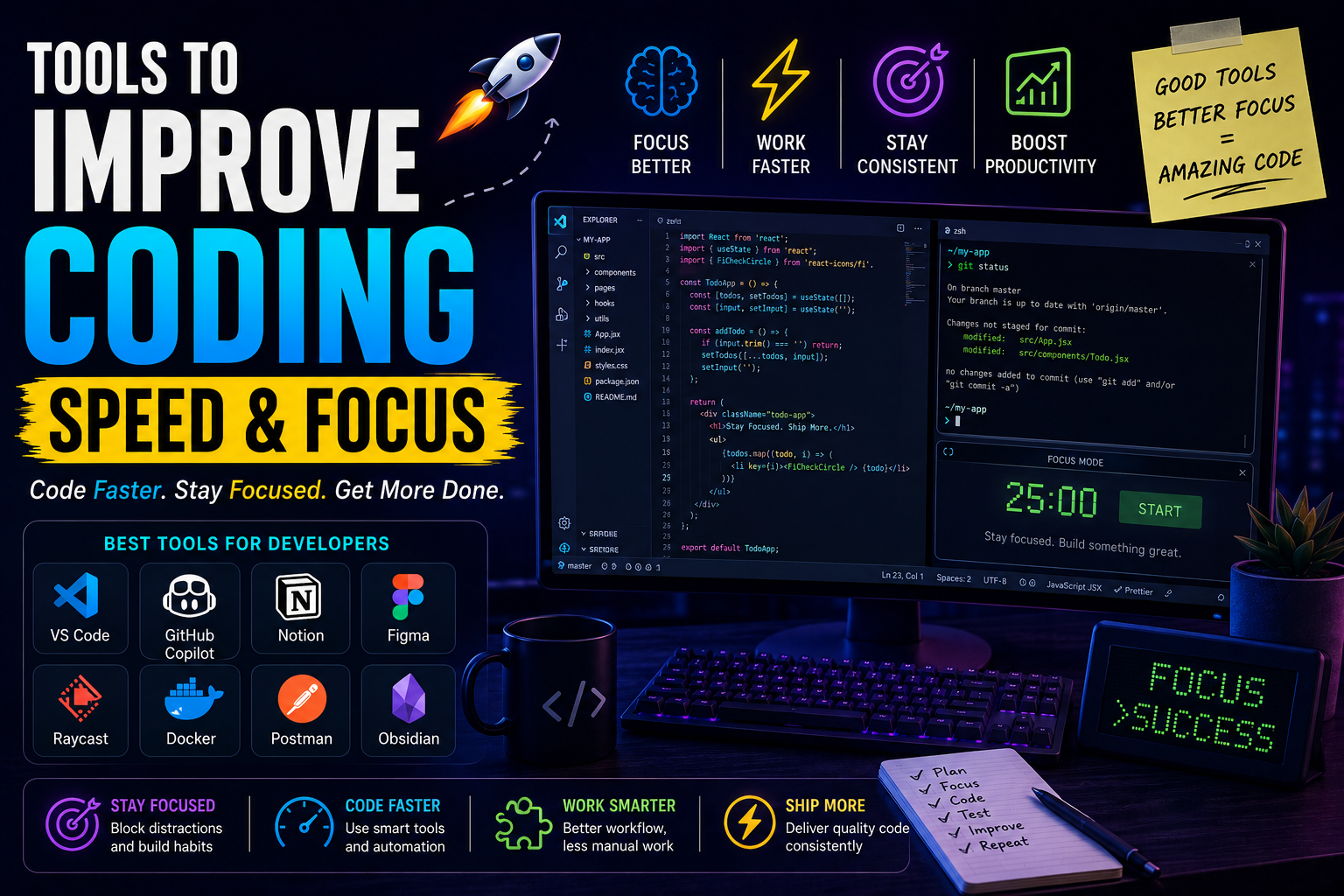
Most developers don’t struggle because they’re “bad at coding.”
They struggle because:
- distractions destroy focus
- workflow feels messy
- context switching kills momentum
- debugging consumes energy
- repetitive tasks waste hours
And over time this becomes exhausting.
I realized this during one phase where I was trying to:
- learn new technologies
- work on startup ideas
- manage projects
- write content
- debug backend issues
all together.
Technically I was “working all day”…
but actual productive coding time?
Very low.
That’s when I understood something important:
Great developers don’t just write better code.
They build better workflows.
And honestly, the right tools can dramatically improve:
- coding speed
- focus
- mental clarity
- productivity
- consistency
In this article, I’ll explain the best tools to improve coding speed and focus, deeply and practically — from real developer experience, not generic productivity advice.
We’ll cover:
- coding tools
- focus tools
- AI assistants
- terminal workflows
- debugging helpers
- environment optimization
- mistakes developers make
- real workflow advice
Let’s start.
Why Coding Feels Slow Sometimes
This is important to understand first.
Coding itself usually isn’t the slow part.
The real time killers are:
- searching files
- fixing tiny errors
- context switching
- distractions
- poor tooling
- messy environments
- repetitive workflows
Sometimes developers spend:
- 20 minutes coding
- 2 hours fighting setup issues
Very common honestly.
My Experience With Productivity Struggles
There was a phase where I kept blaming myself.
I thought:
“Maybe I’m just not productive enough.”
But after observing my workflow carefully, I noticed:
- too many tabs open
- notifications constantly distracting
- repetitive tasks everywhere
- weak project organization
- poor debugging habits
Basically:
my environment was fighting against my focus.
Once I improved the workflow itself, coding suddenly felt smoother.
That realization changed everything.
What Actually Improves Coding Speed?
Not “typing faster.”
Real productivity usually comes from:
- reducing friction
- improving focus
- automating repetitive work
- navigating code faster
- debugging smarter
That’s where tools become powerful.
1. Visual Studio Code
Honestly difficult to ignore this one.
VS Code became massively popular because it balances:
- simplicity
- speed
- flexibility
- extensions
- AI integrations
Very well.
Why VS Code Improves Productivity
Features like:
- IntelliSense
- extensions
- multi-cursor editing
- integrated terminal
- debugging
- Git integration
reduce friction heavily.
Tiny improvements compound massively over time.
My Favorite VS Code Productivity Features
Honestly these improved my workflow a lot:
- Command Palette
- Rename Symbol
- Multi-cursor editing
- Integrated terminal
- Peek Definition
Small features.
Huge impact.
2. GitHub Copilot
This tool changed developer workflows dramatically.
Copilot helps with:
- repetitive code
- boilerplate
- autocomplete
- refactoring
- function suggestions
And honestly…
sometimes it feels like coding with autocomplete on steroids.
Where Copilot Actually Helps
Best for:
- repetitive tasks
- API integration
- CRUD operations
- predictable patterns
Not magic…
but massive time saver.
Biggest Mistake With AI Coding Tools
Blind trust.
Very dangerous.
Sometimes AI:
- invents functions
- creates insecure logic
- writes broken code confidently
AI should assist thinking…
not replace it.
3. Raycast
Mac developers love this tool for a reason.
Instead of:
- manually opening apps
- searching folders
- switching windows
Raycast makes everything faster.
Feels like developer command center.
Why Productivity Launchers Matter
Because context switching destroys focus heavily.
Tiny interruptions:
- opening apps
- searching files
- navigation delays
add up massively during long coding sessions.
4. Warp
Modern terminal designed for developers.
Features:
- AI command suggestions
- modern UI
- command blocks
- autocomplete
Makes terminal feel more beginner-friendly.
My Thoughts on Modern Terminals
Honestly traditional terminals intimidated many beginners unnecessarily.
Modern tools like Warp make terminal workflows:
- cleaner
- more visual
- less stressful
That’s helpful.
5. Notion
Coding productivity isn’t only about code.
Mental organization matters too.
Notion helps with:
- task management
- project planning
- learning notes
- documentation
Especially useful for startup developers juggling many things.
What I Learned About Developer Focus
One huge realization:
mental clutter slows coding massively.
If your brain constantly tracks:
- unfinished tasks
- random ideas
- bugs
- notes
focus weakens.
External organization helps surprisingly much.
6. Obsidian
Very popular among developers now.
Useful for:
- technical notes
- architecture ideas
- debugging logs
- learning systems
Feels like:
second brain for developers.
7. Docker
This tool improves productivity indirectly but massively.
Before Docker:
- “works on my machine” issues everywhere
After Docker:
- consistent environments
- reproducible setups
- easier onboarding
Huge workflow improvement.
Why Environment Problems Destroy Productivity
Nothing kills momentum faster than:
- dependency conflicts
- setup issues
- broken environments
Docker reduces this pain heavily.
8. Postman
If you work with APIs, this tool saves enormous time.
Useful for:
- testing endpoints
- debugging requests
- authentication testing
- API organization
Very practical.
My Backend Productivity Mistake
Initially I tested APIs manually everywhere.
Huge waste of time.
Once I started using structured API testing properly, backend debugging became much smoother.
9. tmux
Advanced but powerful.
Allows:
- multiple terminal sessions
- persistent workflows
- split windows
Very useful for:
- backend developers
- server management
- remote workflows
10. Oh My Zsh
This makes terminal:
- smarter
- cleaner
- faster
Autocomplete + plugins alone improve terminal experience significantly.
Why Developer Environments Matter
Good environment creates:
- smoother workflows
- fewer interruptions
- better focus
Bad environment creates:
- friction
- confusion
- frustration
Simple but true.
11. Figma
You might wonder:
“Why is design tool here?”
Because visual clarity improves development speed too.
When UI planning is messy:
frontend development slows badly.
Clear designs reduce confusion.
12. Linear
Many developers love Linear because:
- fast UI
- clean workflow
- minimal distractions
Task management affects coding focus more than people realize.
13. Forest
Simple but surprisingly effective focus tool.
Idea:
- stay focused → virtual tree grows
- leave app → tree dies
Sounds silly initially.
Actually works surprisingly well.
Why Focus Tools Help Developers
Because coding requires:
- deep concentration
- uninterrupted thinking
And modern distractions constantly attack attention.
14. Cold Turkey
Brutal productivity tool.
Blocks:
- distracting websites
- social media
- time-wasting apps
Honestly painful…
but effective.
My Biggest Productivity Killer
Not coding difficulty.
Context switching.
Every notification breaks flow.
And rebuilding focus takes time.
That realization changed how I work.
15. Spotify or Lo-Fi Music
This depends on person.
But many developers focus better with:
- ambient music
- lo-fi
- instrumental tracks
Personally, silence sometimes feels too mentally noisy during coding.
The Psychology of Developer Focus
Coding is mentally expensive.
Your brain constantly:
- tracks logic
- predicts outcomes
- debugs issues
- remembers dependencies
Distractions break this mental model repeatedly.
That’s why focus matters so much.
Mistakes I Made While Trying to “Be Productive”
Definitely many.
1. Installing Too Many Productivity Tools
Ironically became another distraction.
Simple systems work better.
2. Chasing Perfect Workflow Forever
At some point:
just start building.
3. Multitasking Constantly
Huge focus killer.
Coding quality dropped badly.
4. Ignoring Sleep & Energy
No productivity tool fixes exhausted brain.
Very important lesson.
5. Confusing “Busy” With “Productive”
Watching tutorials all day ≠ real progress.
Building matters more.
What I Learned About Coding Speed
The fastest developers aren’t always:
- smartest
- fastest typers
Usually they:
- reduce friction
- automate repetitive tasks
- maintain focus
- build smooth workflows
That’s the real secret.
Best Beginner Productivity Stack
If I had to recommend simple setup:
Editor
- VS Code
AI Assistant
- GitHub Copilot
Terminal
- Oh My Zsh
API Tool
- Postman
Organization
- Notion
Focus
- Forest or Cold Turkey
Simple.
Practical.
Effective.
Real Advice for Developers
Don’t obsess over productivity endlessly.
Because productivity itself can become procrastination.
At some point:
- close YouTube
- stop tweaking setups
- build real things
That’s where real improvement happens.
Why Focus Matters More Than Motivation
Motivation changes daily.
Focus systems create consistency.
And consistency compounds heavily over months and years.
That’s how strong developer skills are actually built.
The Future of Developer Productivity Tools
Honestly?
AI is changing this space rapidly.
We’re moving toward:
- AI-assisted coding
- AI debugging
- intelligent terminals
- workflow automation
- predictive development tools
But fundamentals still matter heavily.
Tools amplify developers.
They don’t replace deep thinking.
My Thoughts
Most developers try improving productivity by:
- watching more tutorials
- installing random extensions
- chasing new frameworks
But real productivity usually comes from:
- reducing distractions
- improving workflows
- simplifying environments
- maintaining focus consistently
And honestly…
small workflow improvements can completely change how coding feels daily.
Once your environment starts helping instead of fighting you…
development becomes far more enjoyable.
