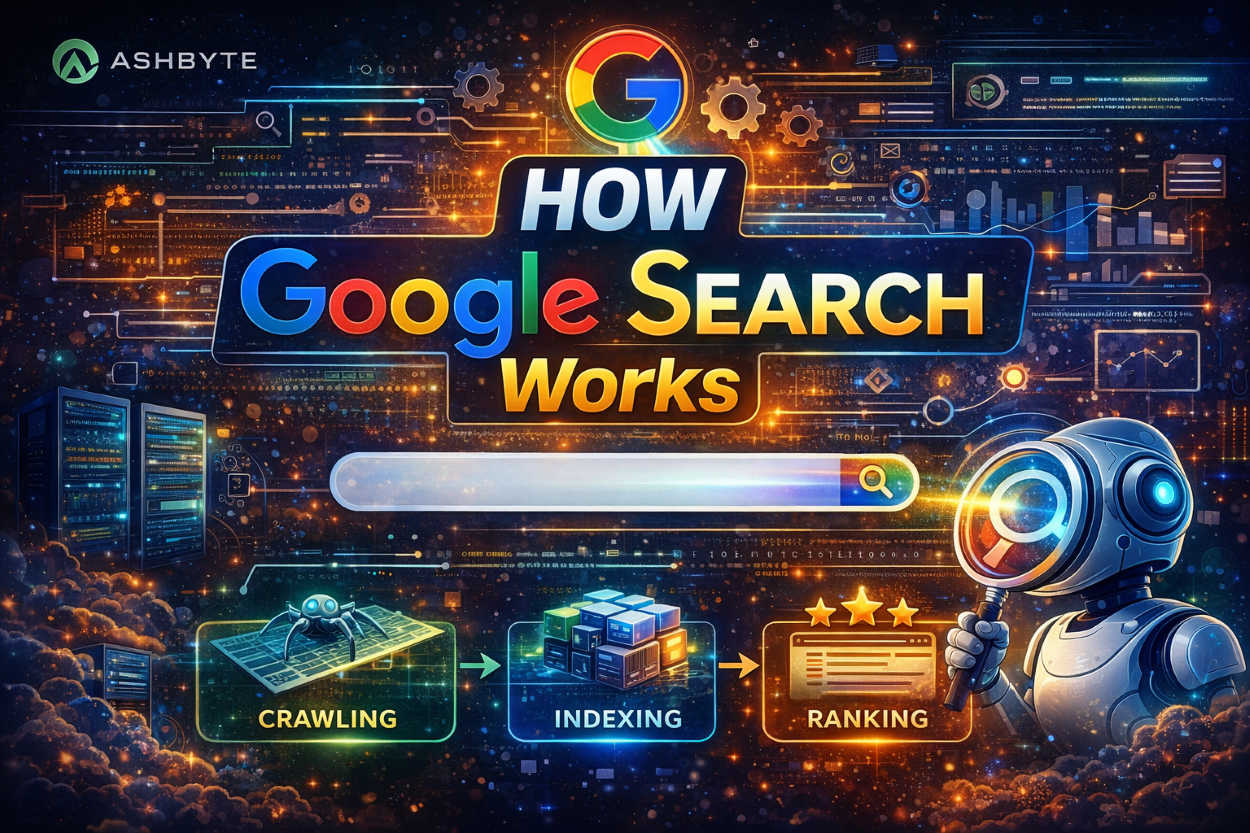
Every day, we use Google to search anything:
- “Best coding laptop”
- “How to learn JavaScript”
- “Nearby restaurants”
And within seconds, Google shows thousands of results.
But have you ever thought:
- “Google itna fast kaise kaam karta hai?”
- “Kaise decide hota hai kaunsi website top par aayegi?”
In this blog, I’ll explain how Google Search works in the simplest way possible — step by step.
What is Google Search?
Simple words:
Google Search is a system that finds the most relevant information from billions of web pages.
Think of it like:
A huge digital library
That gives instant answers
Basic Idea: How Google Search Works
Google works in 3 main steps:
- Crawling
- Indexing
- Ranking
Ye 3 steps samajh liye → Google samajh liya
Step 1: Crawling (Google Finds Content)
Google uses bots called:
Googlebots
These bots:
- Visit websites
- Read pages
- Follow links
Example:
Imagine:
- You write a blog on Ashbyte
- Googlebot comes and reads your page
This process is called crawling
Important Points:
- New websites → slower crawling
- Popular sites → faster crawling
- Internal links help crawling
Step 2: Indexing (Google Stores Data)
After crawling:
Google saves data in its database
This is called:
Indexing
Example:
Like a library:
- Books = websites
- Index = catalog
Google stores:
- Text
- Images
- Videos
Important:
If your page is not indexed → it will not appear in search
Step 3: Ranking (Google Shows Results)
Now the main game
When user searches:
Google ranks pages based on:
- Relevance
- Quality
- Speed
- User experience
Example:
Search:
“How to learn JavaScript”
Google shows:
- Best blogs
- Helpful content
- Fast websites
How Google Decides Ranking?
Google uses algorithms
These are rules that decide ranking
Main Ranking Factors:
1. Content Quality
Is your content helpful?
- Clear explanation
- Easy language
- Value
2. Keywords
Does your content match search?
Example:
- “JavaScript roadmap”
- “MERN stack guide”
3. Backlinks
Other websites linking to you
More quality links = more trust
4. Page Speed
Fast website = better ranking
5. Mobile Friendly
Most users use mobile
6. User Experience
- Easy navigation
- Clean design
- No confusion
Complete Flow (Simple Words)
Website → Googlebot → Index → Search Query → Ranking → Results
Real Example
You search:
Google:
- Finds related pages
- Checks quality
- Ranks them
- Shows best results
Does Google Understand Everything?
Not exactly like humans
But Google is very smart:
- Understands intent
- Understands meaning
- Uses AI
Role of AI in Google Search
Google uses AI to:
- Understand queries
- Improve results
- Reduce spam
Example:
Search:
“Apple”
Google understands:
- Fruit OR
- Company
Why Some Websites Don’t Rank?
Common Reasons:
- No SEO
- Poor content
- Slow website
- No backlinks
- No indexing
How to Rank on Google (Ashbyte Strategy)
1. Write Helpful Content
Solve real problems
2. Use Proper Keywords
Example:
- “How GitHub works”
- “JavaScript tricks”
3. Internal Linking
Connect your blogs
4. Build Backlinks
Share content
Collaborate
5. Optimize for Mobile
6. Improve Speed
SEO = Ranking Power
SEO means:
Optimizing your content for search engines
Types of SEO:
- On-page SEO
- Off-page SEO
- Technical SEO
Google Search vs ChatGPT
Google Search:
- Shows multiple links
- User chooses
- Gives direct answer
- No links needed
Both are powerful but different
Common Mistakes Beginners Make
- Keyword stuffing
- Copy content
- Ignoring SEO
- No internal links
Always remember:
Quality > Quantity
Future of Google Search (2026)
- More AI integration
- Voice search growth
- Personalized results
- Faster indexing
Meaning:
SEO will become even more important
Note:
If you want traffic on Ashbyte:
- Understand Google
- Follow SEO
- Be consistent
Because:
“Google doesn’t rank websites…
It ranks value.”
Now you understand:
- How Google Search works
- Crawling, indexing, ranking
- How to rank your content
Google is not magic — it’s a smart system built on logic
