There’s a phase almost every beginner developer goes through where backend development suddenly starts feeling… overwhelming.
You learn frontend.
Build UI.
Create forms.
Everything feels exciting.
Then you realize:
“Wait… where do I store user data?”
Now suddenly you’re dealing with:
- databases
- authentication
- APIs
- hosting
- backend servers
- deployment
- security rules
And honestly, this is the stage where many beginners feel stuck.
I remember this phase very clearly because I was excited about building projects, but backend setup kept slowing me down badly.
I wanted to build:
- authentication systems
- dashboards
- student portals
- chat apps
- admin panels
But instead of building features, I was constantly struggling with:
- backend configuration
- database setup
- deployment issues
- server crashes
Then I discovered Firebase.
And honestly… initially Firebase felt almost magical.
Authentication started working quickly.
Database updates happened in real time.
Hosting became easier.
Backend complexity reduced massively.
For beginner developers especially, Firebase can feel like a superpower because suddenly you can focus more on building products and less on configuring infrastructure.
But at the same time…
Firebase also confused me badly in the beginning.
Because tutorials often show:
“Build app in 10 minutes.”
Reality is more complicated.
You still need to understand:
- project structure
- database rules
- authentication flow
- security
- scaling
- pricing
- architecture decisions
Otherwise things become messy quickly.
This article is basically everything I wish someone had explained earlier about using Firebase properly for real projects — not only the exciting parts, but also:
- frustrations
- mistakes
- limitations
- practical workflows
- beginner confusion
- real-world lessons
Because Firebase is incredibly powerful when used correctly.
And surprisingly dangerous when used blindly.
Why Firebase Became So Popular
Firebase solved a huge pain point for developers.
Traditional backend setup usually requires:
- server setup
- database management
- authentication systems
- API development
- deployment configuration
That’s a lot for beginners.
Firebase simplified many of these things into ready-made services.
You suddenly get:
- authentication
- database
- hosting
- storage
- analytics
- cloud functions
Inside one ecosystem.
That convenience changed developer workflows massively.
Especially for:
- startups
- MVPs
- solo developers
- hackathon projects
- beginner apps
And honestly… when you’re trying to launch ideas quickly, Firebase feels incredibly attractive.
My Experience: The First Time Firebase Actually Clicked
The first time Firebase really impressed me was during a simple authentication project.
Before Firebase:
backend setup alone consumed huge mental energy.
After Firebase:
Google login worked surprisingly fast.
I remember sitting there thinking:
“Wait… authentication can actually be this simple?”
That moment honestly changed how I approached small projects.
Instead of overthinking backend architecture immediately, I started focusing more on:
- user experience
- features
- workflows
- product validation
Firebase removed friction.
And reducing friction matters massively for beginner developers.
What Firebase Actually Is
Beginners often misunderstand Firebase.
Firebase is not just a database.
It’s a Backend-as-a-Service (BaaS).
Meaning:
Firebase provides backend tools so developers don’t always need to build everything manually.
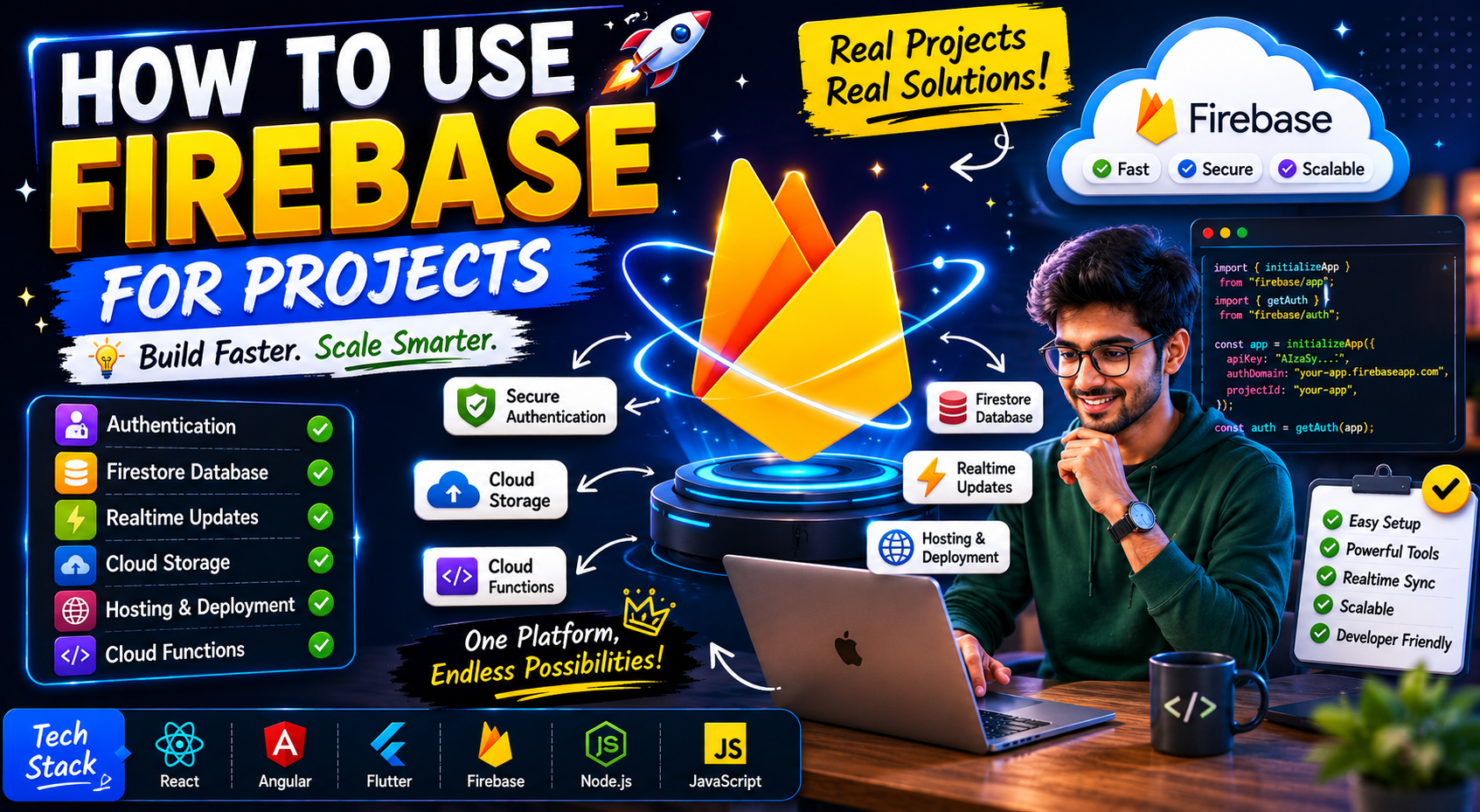
Services include:
- Firebase Authentication
- Firestore Database
- Realtime Database
- Firebase Hosting
- Cloud Functions
- Storage
- Analytics
Think of Firebase as backend infrastructure managed for you.
Why Beginners Love Firebase
Honestly, because it feels fast.
Very fast.
You can:
- create authentication
- store data
- deploy frontend
- connect apps
Without configuring complex servers.
That speed creates excitement.
Especially after struggling with traditional backend setups.
But speed can also create bad habits if you don’t understand what Firebase is doing behind the scenes.
I learned this later.
Biggest Mistakes I Made With Firebase
Ignoring Security Rules Initially
This mistake scares me looking back honestly.
At first I cared only about making things work quickly.
So I kept database rules extremely open.
Terrible idea.
Anyone could potentially read/write data.
Firebase security rules are critically important.
Beginners often underestimate this badly.
Using Firebase for Everything Blindly
Firebase is powerful.
Not perfect for every project.
Initially I thought:
“Firebase can solve everything.”
Then project complexity increased.
And suddenly:
- query limitations
- pricing concerns
- architecture problems
Started appearing.
Now I think Firebase works best when used strategically.
Poor Database Structure
Firestore structure confused me badly initially.
Collections.
Documents.
Nested data.
I made database structures unnecessarily messy because I didn’t plan relationships properly.
Bad structure becomes painful later.
Firebase Authentication Explained Simply
Authentication is one of Firebase’s biggest strengths.
And honestly, it’s one reason many beginners love Firebase immediately.
Firebase Authentication supports:
- email/password login
- Google login
- GitHub login
- phone authentication
Without building entire auth backend manually.
That convenience is huge.
Real Authentication Workflow
Simple Firebase login flow:
User clicks login →
Firebase verifies credentials →
User authenticated →
Frontend receives user session.
That’s basically it.
No need to manually:
- hash passwords
- manage sessions
- build auth APIs initially
For beginners, this removes massive complexity.
Firestore Database Explained Simply
Firestore confused me initially because it works differently from traditional SQL databases.
Firestore structure:
Collections → Documents → Fields
Example:
users
  └── user123
       ├── name: "Ashish"
       ├── email: "ashish@example.com"
Think of collections like folders and documents like records.
Once this mental model clicked, Firestore became much easier.
Realtime Features: Why Firebase Feels Magical
One thing Firebase does beautifully is realtime updates.
Example:
- chat apps
- notifications
- live dashboards
Data updates instantly across users.
The first time I saw realtime Firestore updates working, honestly it felt futuristic.
No manual refresh.
No custom websocket setup.
Firebase handles much of it automatically.
Very impressive for beginners.
How to Use Firebase in Real Projects
This is the practical beginner-friendly flow I honestly wish someone had explained earlier.
Step 1: Create Firebase Project
Inside Firebase Console:
- create project
- configure app
- connect frontend
Firebase generates config credentials.
Simple setup process.
Step 2: Install Firebase SDK
Frontend project installs Firebase package.
Usually:
npm install firebaseNow app can communicate with Firebase services.
Step 3: Configure Firebase
Create Firebase config file.
Connect project credentials:
- API key
- auth domain
- project ID
Now frontend connects Firebase backend.
Step 4: Add Authentication
Enable:
- email/password
- Google login
- other providers
Firebase dashboard makes this surprisingly easy.
Step 5: Store Data in Firestore
Create collections:
- users
- posts
- products
- messages
Now application becomes dynamic.
Step 6: Deploy Application
Firebase Hosting allows frontend deployment too.
This integration feels smooth for smaller projects.
Practical Example: Student Platform
Imagine building institute discovery platform.
Firebase could manage:
- student accounts
- institute data
- reviews
- favorites
- realtime notifications
Frontend communicates directly with Firestore.
Fast development.
Reduced backend setup.
Perfect for MVP stages.
Firebase Hosting: Surprisingly Easy
One thing that impressed me honestly was Firebase Hosting simplicity.
Deploying frontend became much easier compared to traditional hosting configurations.
Commands like:
firebase deployMade deployment feel beginner-friendly.
That convenience helps beginners build confidence quickly.
Common Beginner Mistakes
Exposing Sensitive Data
Firebase config confusion causes panic for many beginners.
Important thing:
Firebase config itself is usually okay publicly.
But security rules matter massively.
Poor rules create vulnerabilities.
Ignoring Pricing Structure
Firebase free tier feels generous initially.
Then traffic increases.
Realtime reads/writes can increase costs unexpectedly.
Beginners should understand:
Firebase pricing scales with usage.
Very important.
Overusing Realtime Features
Not every feature needs realtime updates.
Realtime operations can increase complexity and costs unnecessarily.
Use strategically.
Messy Firestore Queries
Firestore queries behave differently from SQL.
Beginners often design data poorly then struggle with query limitations later.
Planning structure matters.
What I Learned About Firebase
A few lessons became extremely clear over time.
Firebase Is Excellent for MVPs
Especially:
- startups
- prototypes
- solo projects
- fast iteration
Firebase reduces development friction massively.
Understanding Fundamentals Still Matters
Firebase simplifies backend work.
It does not replace understanding.
Developers should still understand:
- authentication flow
- databases
- security
- architecture
Otherwise scaling becomes difficult later.
Simplicity Wins
Simple Firebase projects stay manageable.
Overengineered Firebase systems become confusing quickly.
Especially for beginners.
Firebase vs Traditional Backend
This question appears constantly.
Firebase advantages:
- speed
- simplicity
- realtime features
- fast MVP development
Traditional backend advantages:
- flexibility
- control
- custom architecture
- scalability control
Honestly, both have place.
Choosing depends on project goals.
The Emotional Side of Using Firebase
Firebase feels emotionally rewarding initially because progress becomes faster.
You build features quickly.
Authentication works sooner.
Deployment feels easier.
That momentum matters psychologically.
Especially for beginner developers.
But eventually frustrations appear too:
- confusing rules
- query limitations
- pricing worries
- scaling questions
I’ve experienced both excitement and frustration with Firebase.
That’s normal.
Real Advice I Wish Someone Told Me Earlier
Don’t use Firebase blindly because tutorials hype it.
Understand WHY you’re choosing it.
Firebase is tool.
Not magic solution.
Another important thing…
Learn Firebase deeply instead of copy-pasting random tutorials.
Especially:
- security rules
- Firestore structure
- authentication flow
Those things matter massively.
And maybe the biggest lesson:
Firebase is amazing for helping beginners build real projects faster.
That alone makes it incredibly valuable.
Because momentum matters.
Projects teach faster than endless theory.
Future of Firebase
Firebase continues evolving strongly.
Modern app development increasingly values:
- speed
- realtime functionality
- serverless architecture
- rapid iteration
Firebase fits naturally into this ecosystem.
Especially for:
- AI apps
- mobile apps
- startups
- SaaS MVPs
But developers who understand architecture deeply will always make better decisions about when and how to use Firebase properly.
Foundations still matter.
Final Thoughts
Firebase changed how many developers build projects.
Especially beginners.
Because it removes huge amounts of backend friction and lets people focus more on:
- features
- products
- workflows
- user experience
And honestly… that’s powerful.
But Firebase works best when you balance:
- convenience
with - understanding
Don’t treat Firebase like magic black box.
Learn what’s happening underneath.
That deeper understanding helps massively later.
